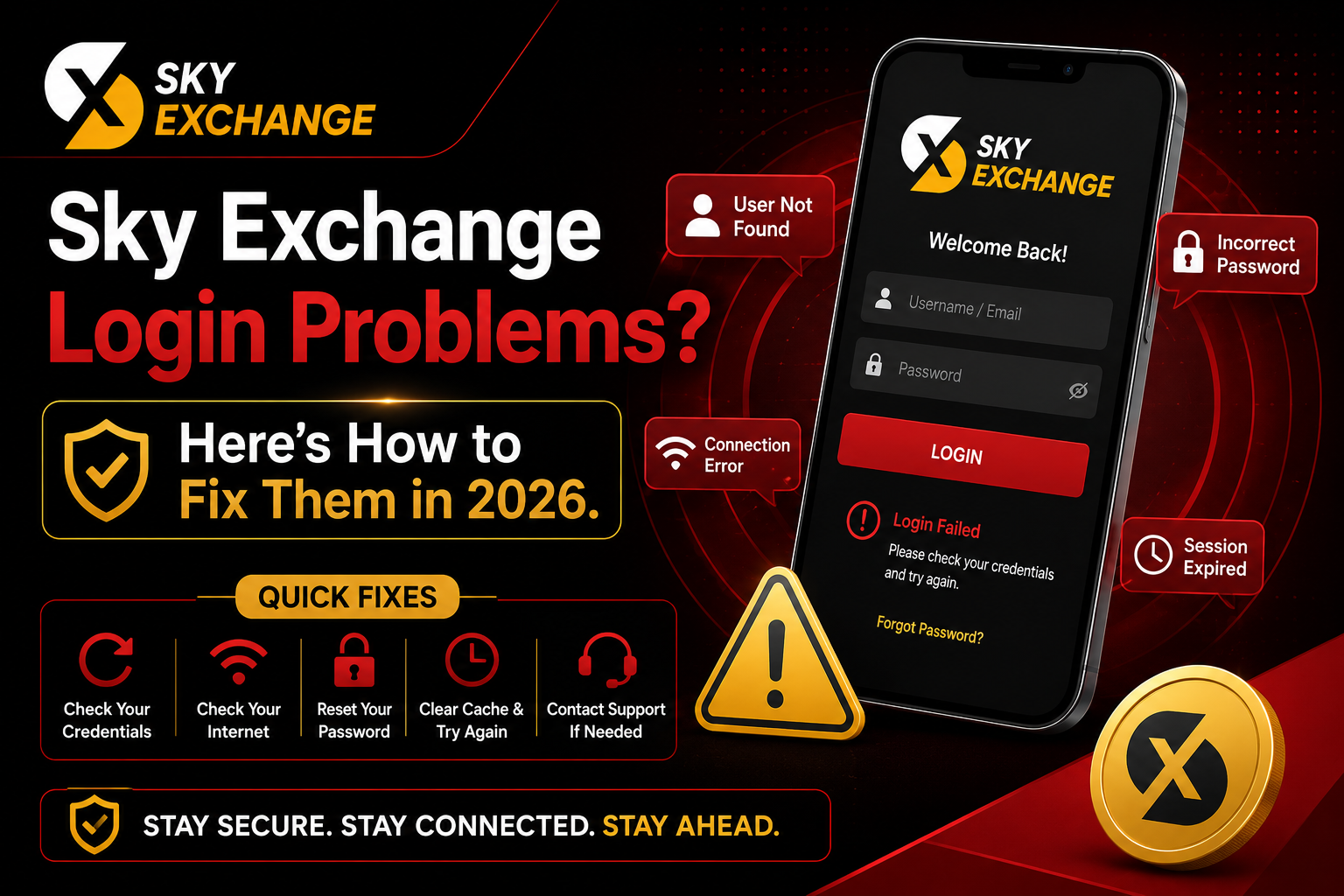
Sky Exchange Login Problems? Here's How to Fix Them in 2026
Can't log in to your Sky Exchange ID? You're not alone. Login issues are among the most common problems reported by Sky Exchange users — and almost every one of them has a simple fix. This troubleshooting guide covers forgotten passwords, account locks, browser errors, session timeouts, and exactly how to contact Sky Exchange support when nothing else works.
Whether you're seeing "User Not Found", "Incorrect Password", "Connection Error", or a blank screen when you try to log in, this guide will walk you through every possible cause and the fastest resolution for each one. Most Sky Exchange login problems can be resolved in under five minutes by following the steps below — no support ticket required.
Most Common Sky Exchange Login Problems in 2026
Before diving into fixes, it helps to identify exactly which error you are seeing. Sky Exchange login issues typically fall into one of the following categories:
| Error Message | Likely Cause | Quick Fix |
|---|---|---|
| User Not Found | Incorrect ID or account not registered | Verify ID with your agent |
| Incorrect Password | Wrong password or caps lock on | Reset via WhatsApp agent |
| Account Locked | Too many failed login attempts | Contact agent to unlock |
| Connection Error | ISP blocking or DNS issue | Switch to mobile data / change DNS |
| Session Expired | Inactivity timeout | Log in again, clear cookies |
| Blank / Frozen Page | Browser cache or extension conflict | Clear cache or use incognito |
Each of these errors has a specific cause and a direct fix. The sections below address all of them in order of how frequently they are reported by Sky Exchange users.
Don't have a Sky Exchange ID yet? Get your account set up in under 2 minutes via WhatsApp and receive a ₹6,000 welcome bonus on your first deposit. Register Now
Fix 1 — Forgotten Password or Wrong Credentials
The most common reason users can't log in to Sky Exchange is a forgotten password or typing the wrong username. Sky Exchange IDs are case-sensitive, so even a single uppercase or lowercase mismatch will trigger a "User Not Found" or "Incorrect Password" error.
Double-Check Your Sky Exchange ID Format
Your Sky Exchange ID was provided by the agent who registered your account via WhatsApp. It is typically a combination of letters and numbers. Make sure you are not confusing a lowercase 'l' with the number '1', or a capital 'O' with the number '0'. Copy your ID directly from the WhatsApp message your agent sent you to avoid typos.
Reset Your Password via WhatsApp Support
Sky Exchange does not have a self-service password reset link on the login page. To reset your password, contact your Sky Exchange agent directly on WhatsApp. Provide your registered ID and they will reset your password within minutes. This is the fastest and most reliable method — faster than any email-based reset process.
Check for Caps Lock or Auto-Correct Interference
On mobile devices, auto-correct and auto-capitalise features frequently mangle passwords and IDs. Before typing your credentials, disable auto-correct in your keyboard settings or type your password in a notes app first to verify it looks correct, then copy-paste it into the Sky Exchange login field.
Fix 2 — Account Locked or Suspended
Sky Exchange accounts can be temporarily locked after multiple failed login attempts. This is a security feature designed to protect your account from unauthorised access. If your account is locked, you will typically see a message such as "Account Locked" or "Too Many Attempts."
How to unlock your account: Contact your Sky Exchange agent via WhatsApp and request an account unlock. Provide your registered ID and verify your identity by confirming your last deposit amount or registered mobile number. Account unlocks are processed within minutes during business hours and are available 24/7 via WhatsApp support.
If your account has been suspended for a different reason (outstanding balance, terms violation, or security review), your agent will be able to clarify the reason and guide you through the resolution process. Most suspension cases are resolved within 24 hours.
Fix 3 — Browser & Cache Issues
A significant number of Sky Exchange login problems are caused not by account issues but by your browser storing outdated or corrupted cache and cookie data. This can cause the login page to freeze, loop, or display an error even when your credentials are correct.
Clear Your Browser Cache and Cookies
On Chrome: go to Settings → Privacy and Security → Clear Browsing Data. Select 'Cookies and other site data' and 'Cached images and files', then click Clear Data. Reload the Sky Exchange website and try logging in again. This resolves the majority of browser-related login errors instantly.
Try an Incognito / Private Browsing Window
Open an incognito window (Ctrl+Shift+N on Chrome, Cmd+Shift+N on Safari) and navigate to the Sky Exchange website. Incognito mode bypasses all stored cache, cookies, and extensions. If you can log in via incognito but not in your normal browser, the problem is a cached session or an interfering browser extension.
Disable VPN or Proxy Extensions
VPN and proxy browser extensions can interfere with Sky Exchange's login system by routing your connection through a blocked or flagged IP address. Temporarily disable any VPN or proxy before attempting to log in. If you must use a VPN, switch to a different server location and try again.
Try a Different Browser or Device
If clearing cache doesn't work, switch to a different browser entirely (e.g. from Chrome to Firefox or Safari) or try logging in from a different device. This quickly tells you whether the issue is device-specific or account-specific — narrowing down the fix significantly.
Fix 4 — Connection Error or Site Not Loading
If the Sky Exchange website is not loading at all — showing a connection timeout, DNS error, or blank page — the issue is likely related to your internet connection, ISP restrictions, or a temporary server outage.
Check your internet connection. Run a speed test or try loading another website to confirm your connection is working. If only Sky Exchange is failing to load, the issue is likely DNS-related or your ISP may be blocking the domain.
Switch to mobile data. If you're on Wi-Fi, switch to your mobile data connection and try again. Many ISPs and Wi-Fi networks in India filter certain domains — mobile data bypasses these filters in most cases.
Change your DNS settings. Switch your device DNS to Google (8.8.8.8) or Cloudflare (1.1.1.1). DNS changes take effect immediately and resolve ISP-level domain blocking without requiring a VPN. On Android, go to Settings → Network → Private DNS and enter one.one.one.one.
Check if Sky Exchange is down. Temporary server maintenance or outages occasionally occur. Contact your Sky Exchange agent on WhatsApp to confirm if the platform is experiencing downtime — agents receive real-time notifications of any maintenance windows.
Fix 5 — Session Expired or Automatic Logout
Sky Exchange automatically logs out users after a period of inactivity as a security measure. If you see a "Session Expired" message or are redirected to the login page unexpectedly, your session has simply timed out — this is normal behaviour and not an account issue.
Solution: Simply log back in with your Sky Exchange ID and password. If you are being logged out frequently even during active use, this may indicate a browser issue (see Fix 3 above). Enabling "Remember Me" on the login page (if available) will extend your session duration. Alternatively, bookmark the Sky Exchange login page and keep your credentials saved in a password manager for faster re-login.
If you are being logged out immediately after logging in — a loop where the page redirects you back to login every time — this is almost always a cookie issue. Clear your browser cookies specifically for the Sky Exchange domain and log in again.
Quick Fix Checklist — Try These First
If you're in a hurry during a live match and need to fix your login fast, run through this checklist in order:
- Check your credentials — verify your Sky Exchange ID and password are correct, check caps lock
- Clear browser cache — delete cookies and cached data, then reload the site
- Try incognito mode — rules out browser extension conflicts instantly
- Switch to mobile data — bypasses Wi-Fi/ISP filtering issues
- Try a different browser — Chrome, Firefox, Safari, or Edge
- Reset your password via WhatsApp — contact your Sky Exchange agent directly
- Contact Sky Exchange support — 24/7 WhatsApp support for account locks and suspensions
Frequently Asked Questions
Why does Sky Exchange keep saying 'User Not Found'?
This error means the ID you entered does not match any account in the system. Check for typos, confirm you are using the exact ID provided by your Sky Exchange agent, and make sure you are not accidentally adding spaces before or after the ID. If the problem persists, contact your agent via WhatsApp to verify your account is active.
How do I reset my Sky Exchange password?
Sky Exchange does not offer a self-service password reset link. To reset your password, contact your Sky Exchange agent directly via WhatsApp. Provide your registered ID and verify your identity — your agent will reset your password and send you new credentials within minutes.
My Sky Exchange account is locked — what do I do?
Account locks happen after multiple failed login attempts. Contact your Sky Exchange agent on WhatsApp and request an unlock. You may be asked to verify your identity by confirming your registered mobile number or last deposit amount. Unlocks are processed within minutes via WhatsApp support.
Why is the Sky Exchange website not loading?
If the website is not loading, try switching from Wi-Fi to mobile data, clearing your browser cache, or changing your DNS to Cloudflare (1.1.1.1). Some ISPs in India intermittently block betting exchange domains — mobile data and DNS changes resolve this in most cases without requiring a VPN.
How do I contact Sky Exchange support for login issues?
Sky Exchange offers 24/7 customer support via WhatsApp in both Hindi and English. Contact your registered Sky Exchange agent directly on WhatsApp for the fastest resolution. For general support, use the official WhatsApp contact number provided at account registration. Most login issues are resolved within 5–10 minutes via WhatsApp.
Is Sky Exchange down right now?
Occasional maintenance windows can cause temporary login failures. Contact your Sky Exchange agent on WhatsApp to check whether the platform is experiencing downtime — agents receive real-time notifications of any maintenance periods and can give you an estimated resolution time.